Pine Design System
Design system architecture for product teams, platforms, and AI-assisted workflows.
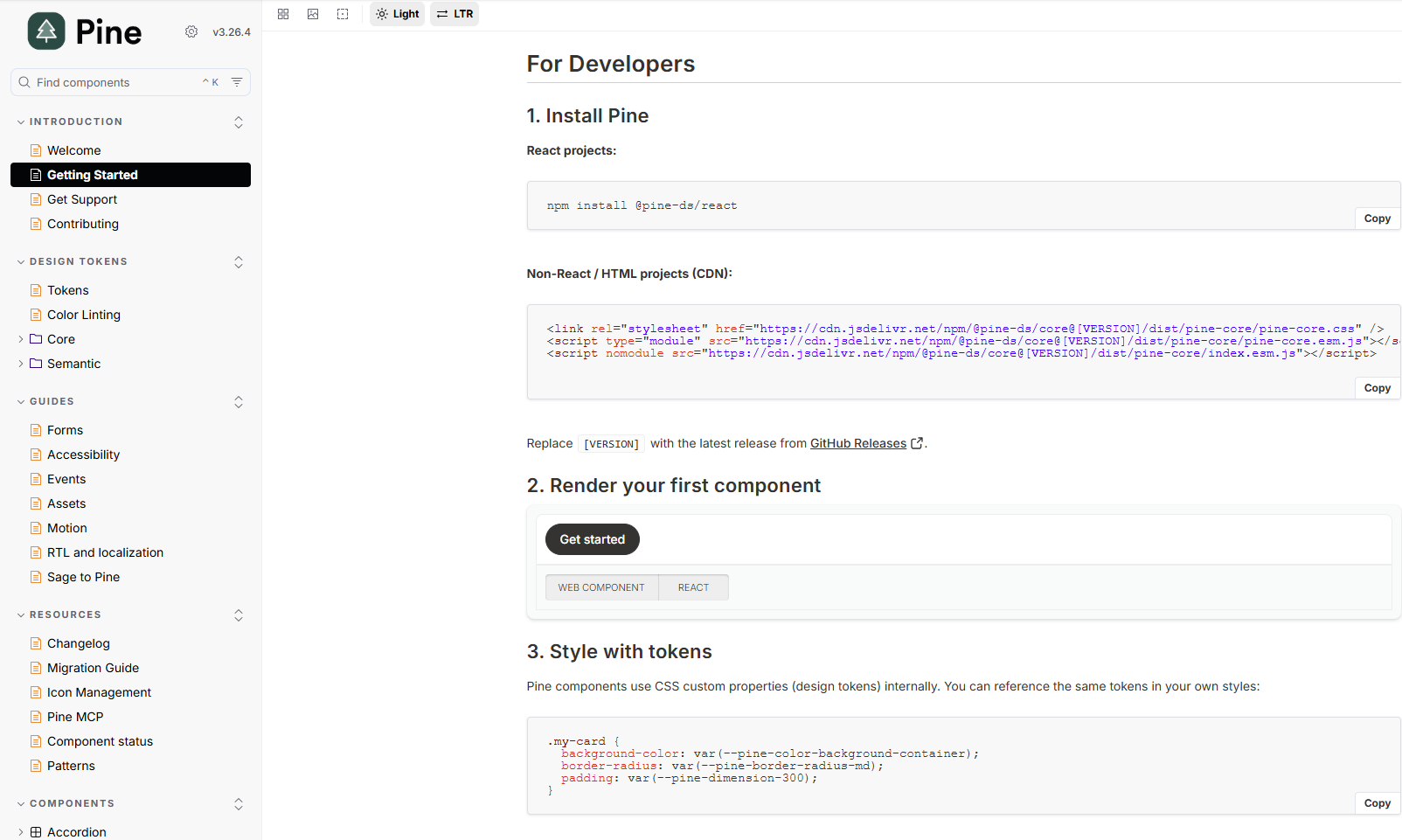
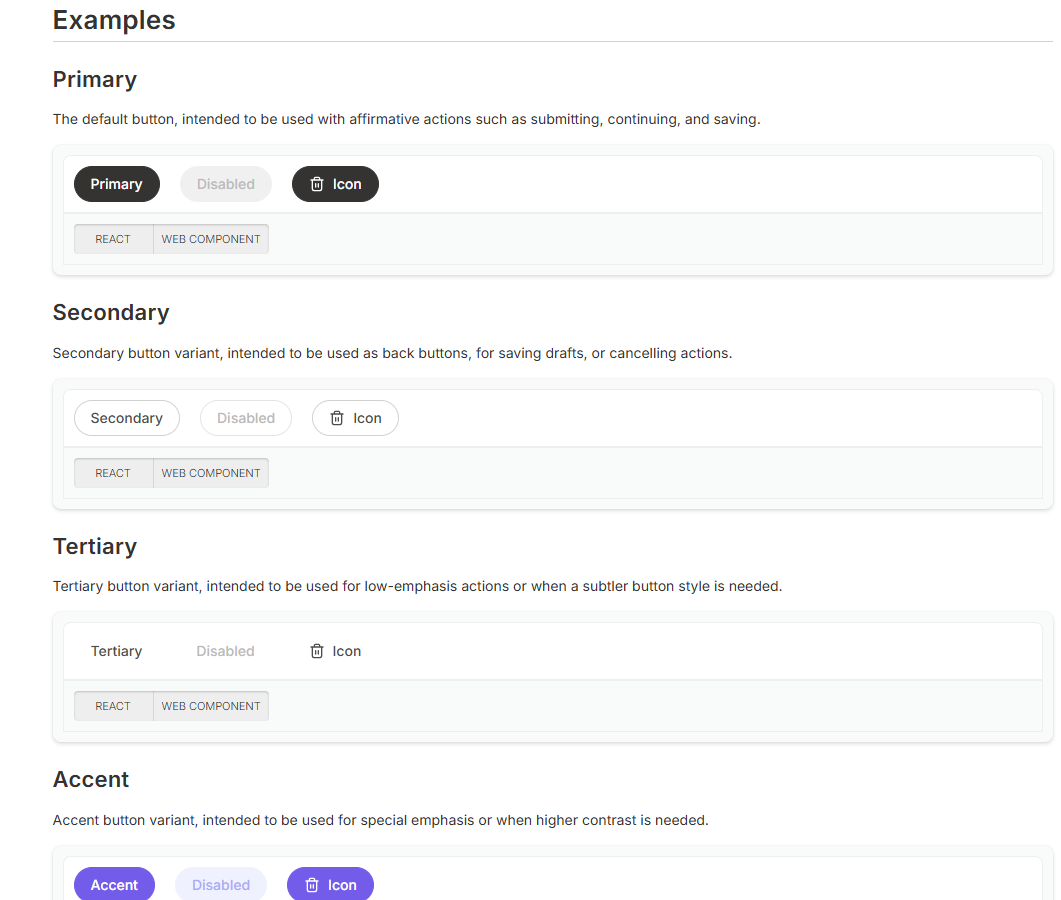
Pine is Kajabi's multi-platform design system supporting 40+ engineers across 6 product teams. My work helps Pine operate as product infrastructure: web components, design tokens, accessibility standards, governance, migration tooling, documentation, and shared developer workflows.
System Architecture
A four-repo design system architecture with a migration bridge.
Pine is not only a component library. It is an architecture for moving design decisions through tokens, web components, governance rules, product integrations, and AI-assisted development workflows.
The system is structured around four active repositories plus a legacy Sage migration bridge, so product teams can adopt Pine gradually without relying on documentation alone.
- 1ds-tokens
Source of truth for core, semantic, and component-level design tokens.
- 2pine
Web component library, accessibility patterns, docs, and shared implementation standards.
- 3pine-mcp
MCP workflow layer that exposes Pine knowledge to AI-assisted development tools.
- 4kajabi-products
Consumer integration layer where product teams adopt Pine in real product surfaces.
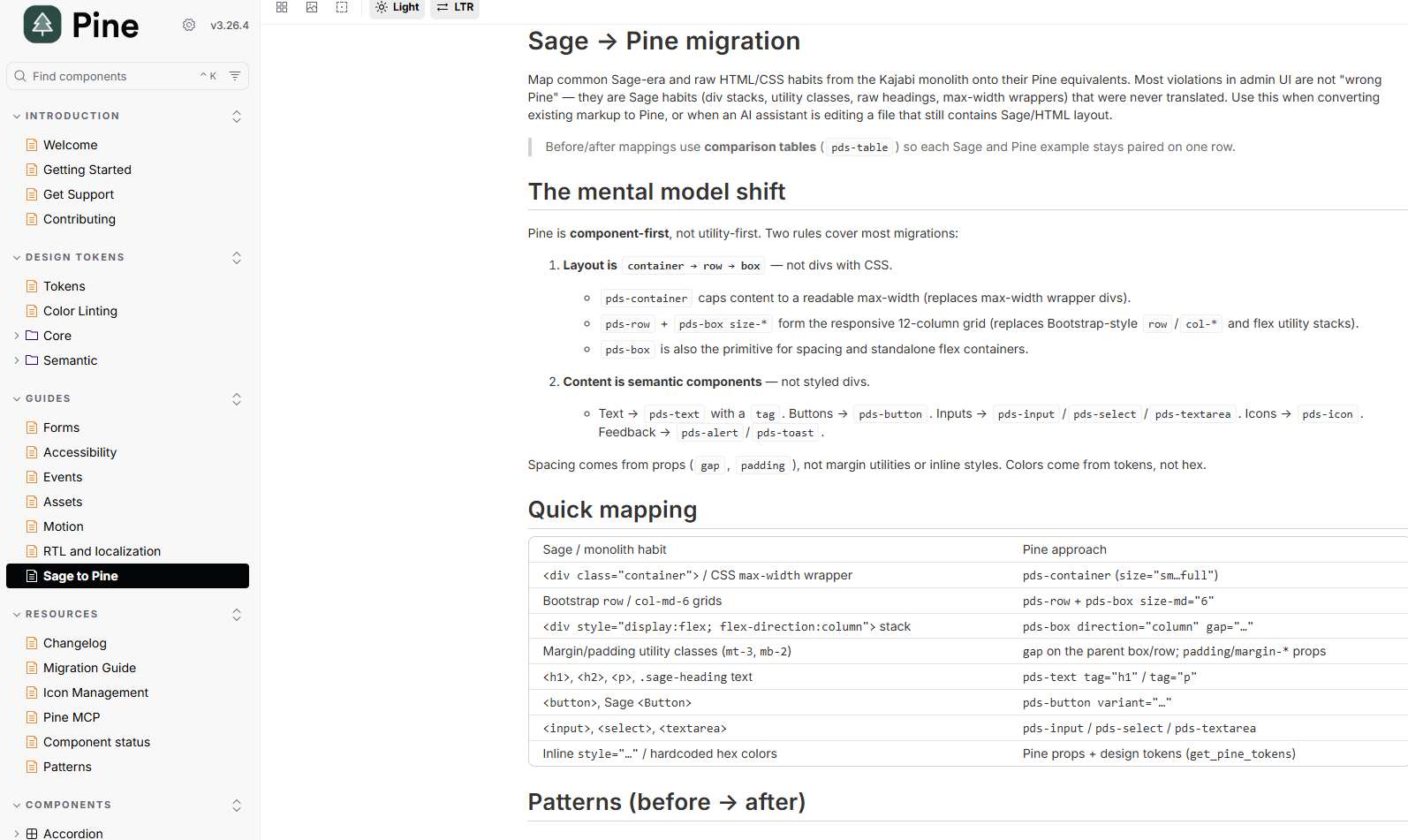
- 5Sage migration bridge
Migration bridge for auditing and replacing legacy Sage usage during gradual adoption.
Technical Direction
Web components keep Pine useful across product surfaces.
Pine uses web components over framework-coupled components so the system can travel across product contexts without tying product teams to one rendering stack. That architecture supports shared component APIs, accessible defaults, tokenized styling, and consistent implementation guidance.
Architecture decisions
- Web Components over framework-coupled components.
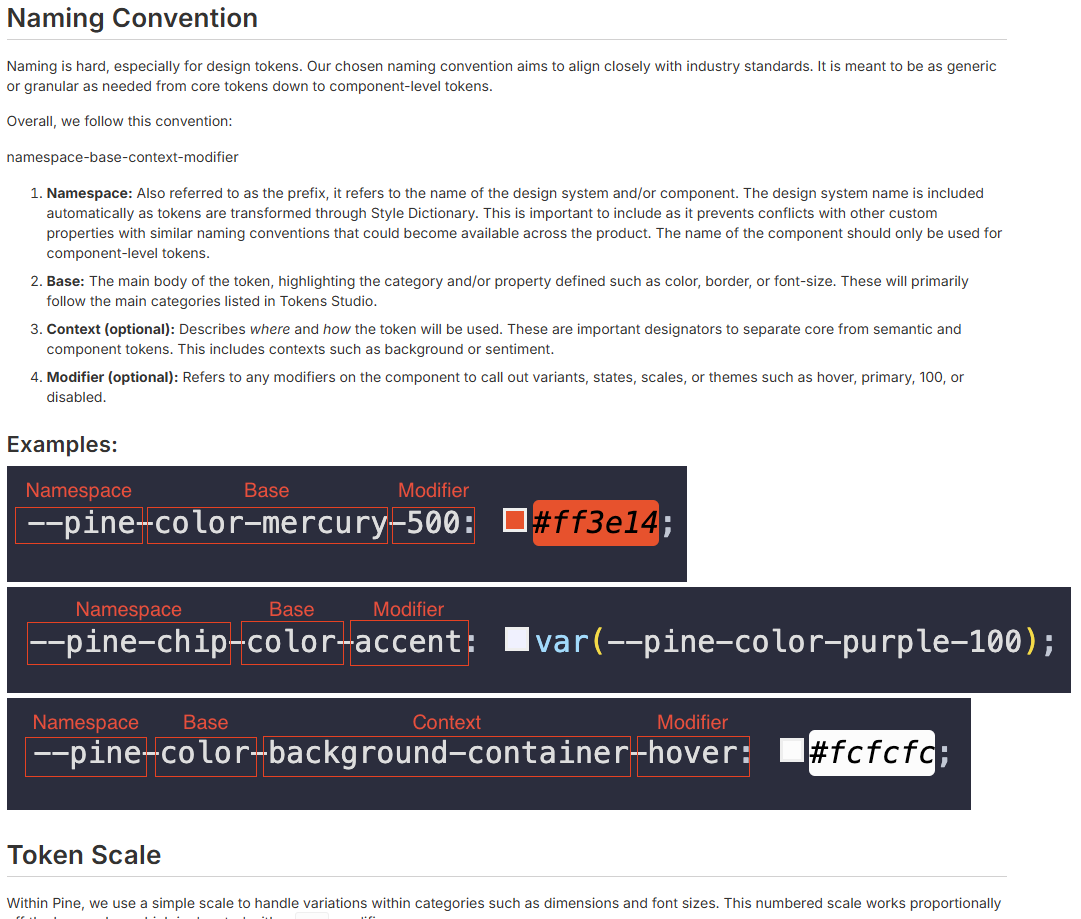
- Three-layer token hierarchy: core to semantic to component.
- Diff-gated dual enforcement for gradual migration.
- MCP-mediated AI tooling for generated-code quality.
Token Architecture
Tokens move from raw values to product meaning to component decisions.
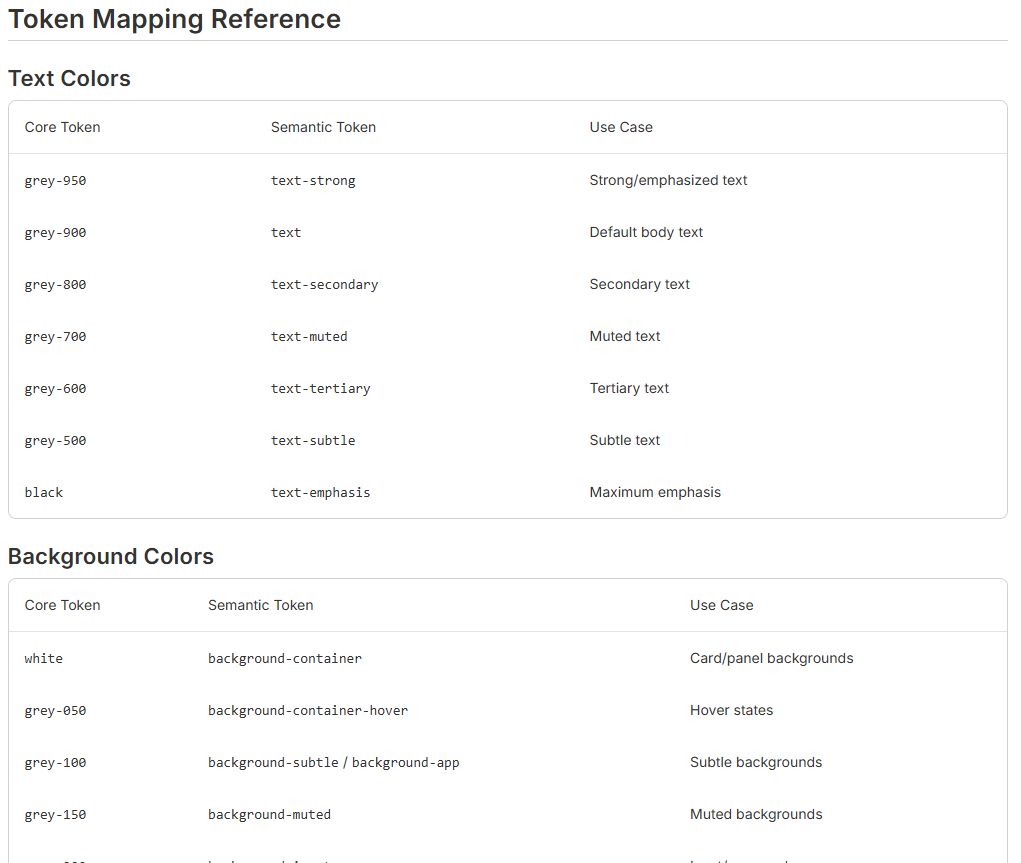
Pine's token hierarchy separates raw design primitives from semantic product decisions and component-level implementation details. That separation makes tokens easier to govern and easier for teams, docs, and AI-assisted workflows to consume.
- Core
Raw values such as color scales, spacing, typography, and motion primitives.
- Semantic
Product-facing decisions such as surface, text, border, action, focus, and feedback roles.
- Component
Component-scoped tokens that connect Pine APIs to consistent implementation details.
Governance and Enforcement
Rules belong in the workflow, not only in documentation.
Instead of relying on documentation alone, I helped move design system rules into linting, migration tooling, and AI-assisted validation workflows.
This matters because the real fix is often not another doc page. The durable fix is a rule, audit, or workflow that catches drift when product work is happening.
- ESLint Pine color rules
- Stylelint token rules
- no-Sage migration audit
- changed-line-only enforcement
- lint-rule-as-the-real-fix
Legacy usage can continue while migration work is planned.
New and touched code has to follow Pine token and component rules.
Audits identify Sage usage and guide gradual replacement with Pine.
Accessibility Architecture
Accessibility standards are part of the component contract.
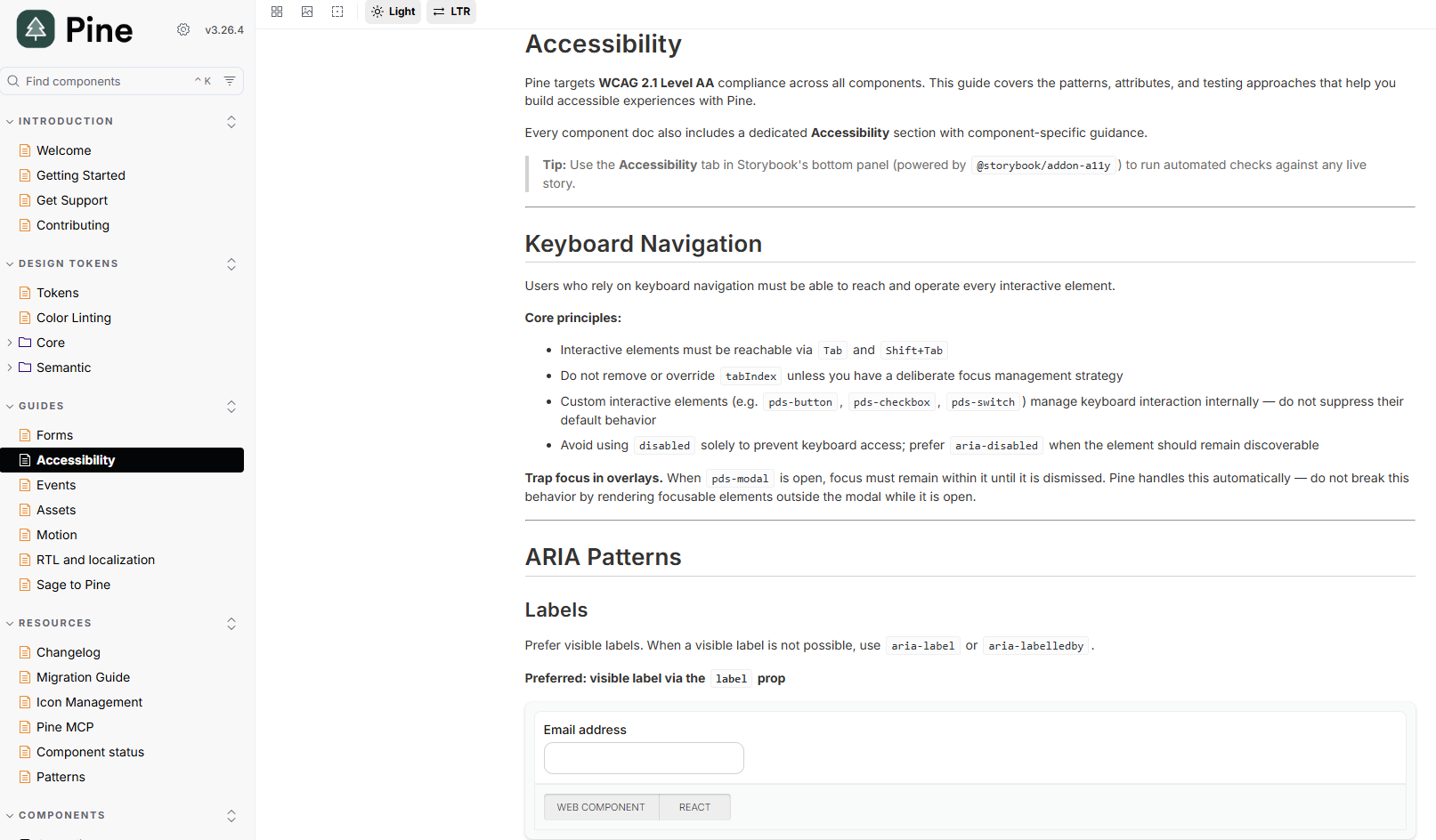
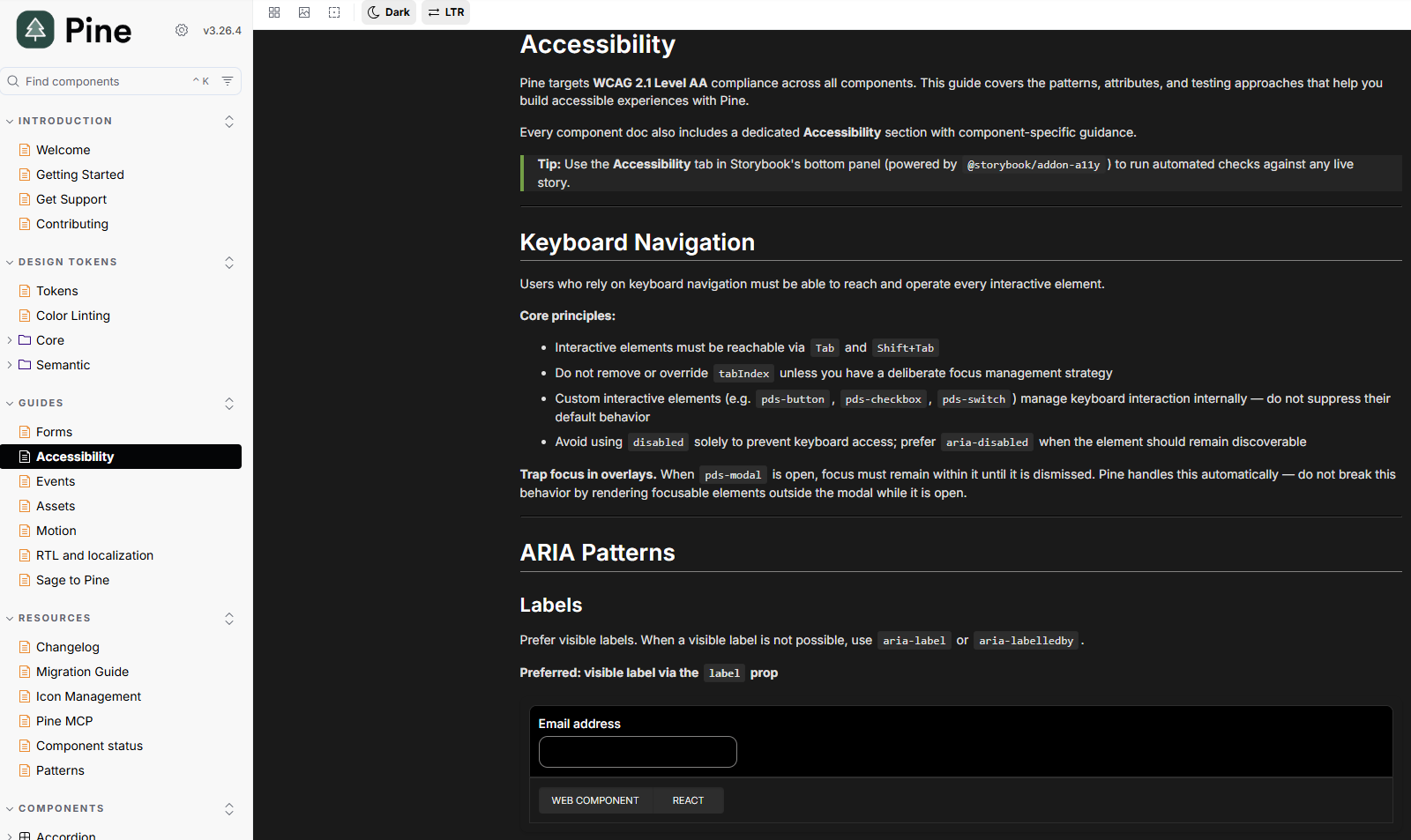
Pine accessibility work focuses on making accessible behavior part of component APIs and implementation standards, not an optional checklist after the interface is built.
- formAssociated + ElementInternals for form-compatible web components
- ARIA attribute reinjection for Shadow DOM boundaries
- Modal focus trap behavior
- Keyboard and semantic standards for component APIs
- axe-core e2e testing in progress for automated accessibility checks
AI-Assisted Workflows
Pine knowledge can guide generated code before review starts.
Pine MCP extends the design system into AI-assisted development. The workflow helps assistants detect when Pine is needed, retrieve the right component and token context, and validate generated UI against design system rules.
- 1Detect
Identify when generated UI should use Pine patterns.
- 2Context
Retrieve component, token, icon, doc, and accessibility guidance.
- 3Generate
Start from Pine components instead of generic markup.
- 4Validate
Review generated layouts against system rules and anti-patterns.