Design systems, frontend architecture, and AI-assisted workflows.
I build systems that help product teams ship consistent, accessible experiences at scale. My work spans component APIs, semantic tokens, governance, documentation, developer experience, accessibility, and emerging AI-native design system workflows. I also teach web design through a learning platform built from my LSU curriculum, which turns technical systems into structured, teachable material.
My projects connect through a simple idea: build systems, teach systems, and help AI work with systems.
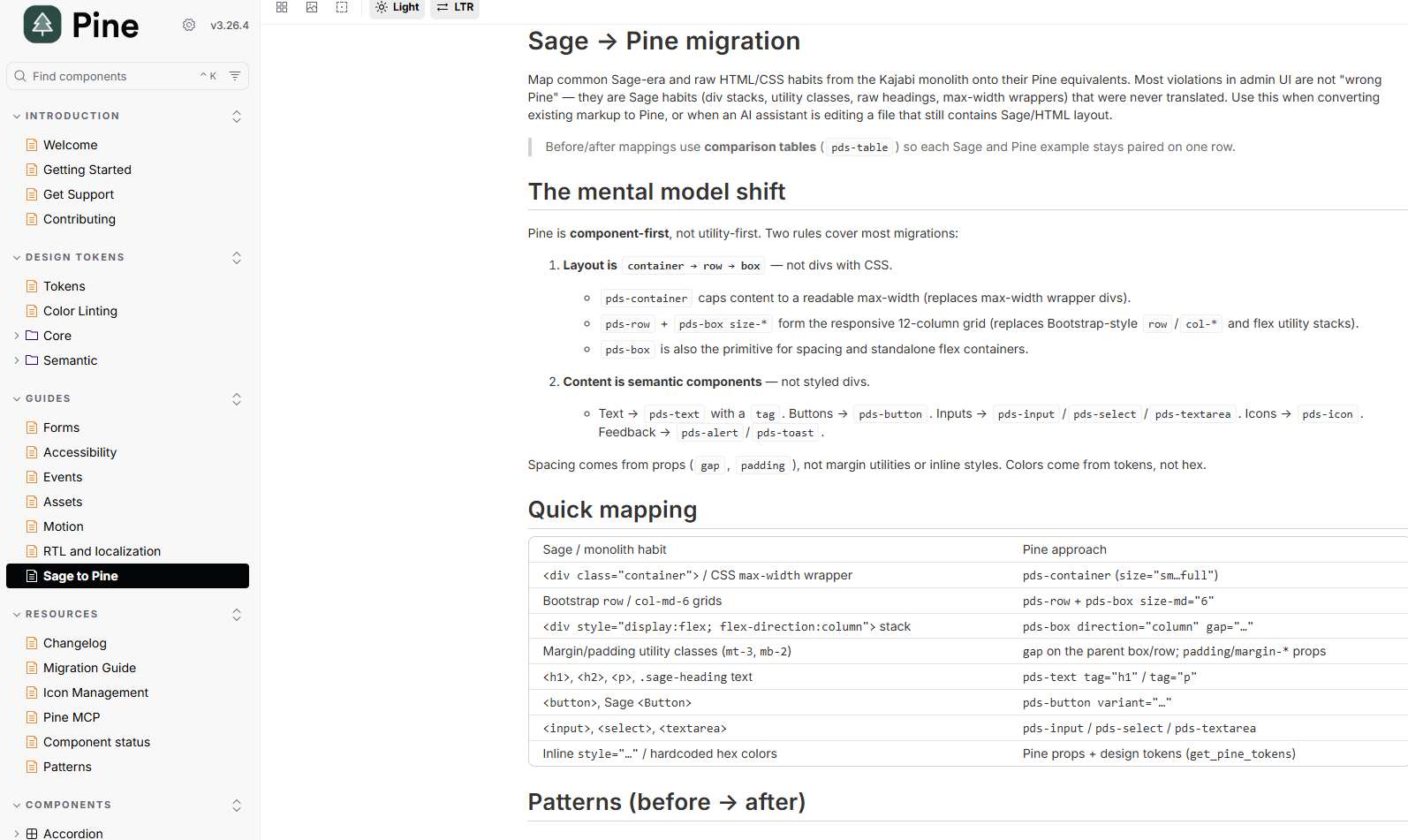
Pine is the center of my current design systems work.
At Kajabi, I help evolve Pine as product infrastructure for teams building across multiple product surfaces. My recent work explores how design system knowledge can also guide AI-assisted development.
40+
engineers supported
6
product teams
40
components
Multi-platform
design system scope
Design system infrastructureSenior Design Engineer
Pine Design System
Kajabi's multi-platform design system powering consistent, accessible product experiences across 6 product teams and 40+ engineers. My work helps Pine operate as product infrastructure: web components, semantic tokens, accessibility standards, governance, documentation, and shared developer workflows.
Design system knowledge workflowAI-Assisted Development
Pine MCP
Supplies AI assistants with current Pine component contracts, accessibility rules, semantic tokens, and layout guidance, moving recurring design-system corrections from review time to generation time.
Teaching and adoption platformInstructor / Frontend Architect
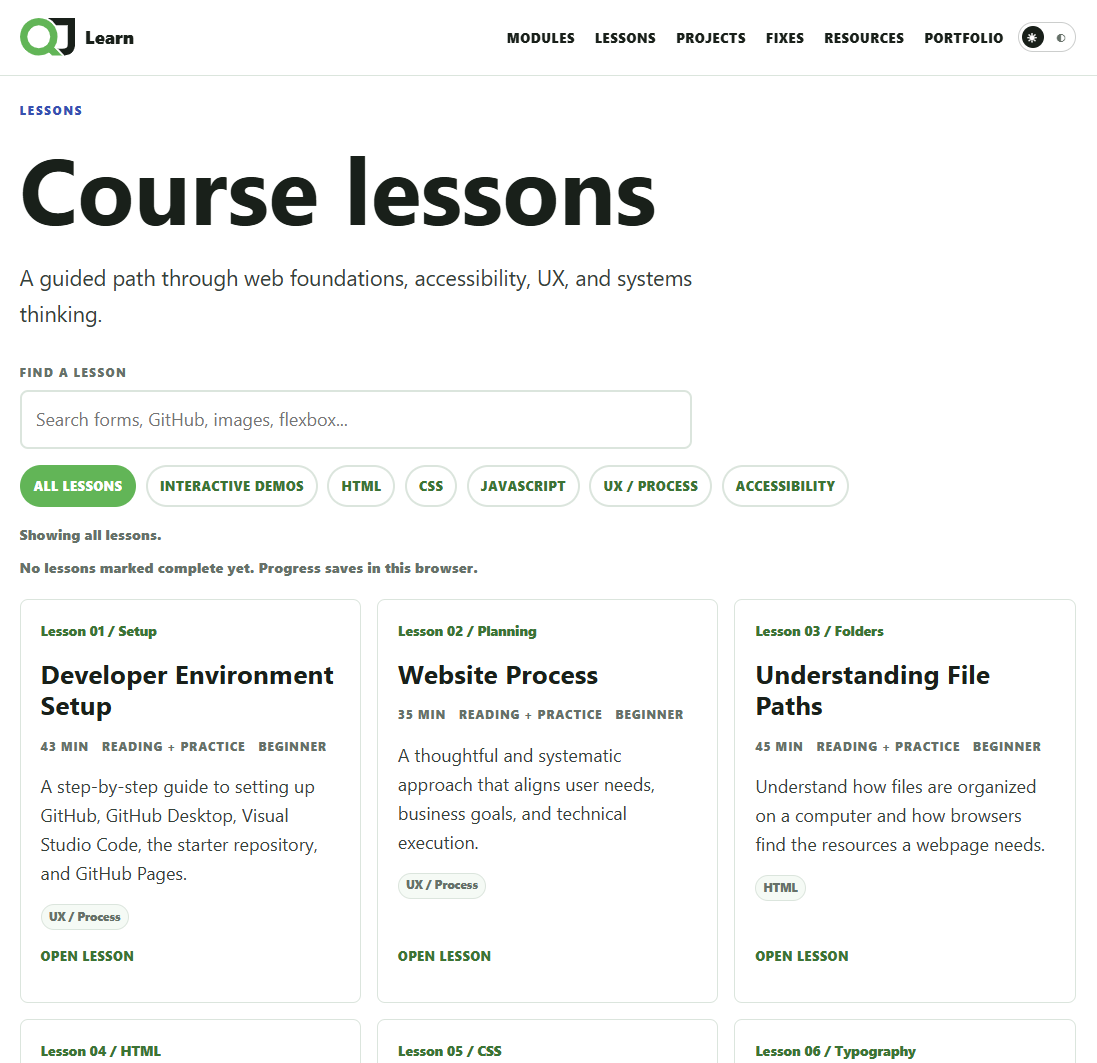
Learn.QuintonJason.com
An online learning platform built from my web design curriculum to help students learn HTML, CSS, JavaScript, accessibility, responsive design, UX foundations, and modern frontend workflows. The project demonstrates educational UX, frontend architecture, technical communication, curriculum design, information architecture, and the ability to make complex technical concepts teachable.
What changed
Course material became a structured product experience for teaching HTML, CSS, JavaScript, accessibility, UX, responsive design, and modern frontend workflows.
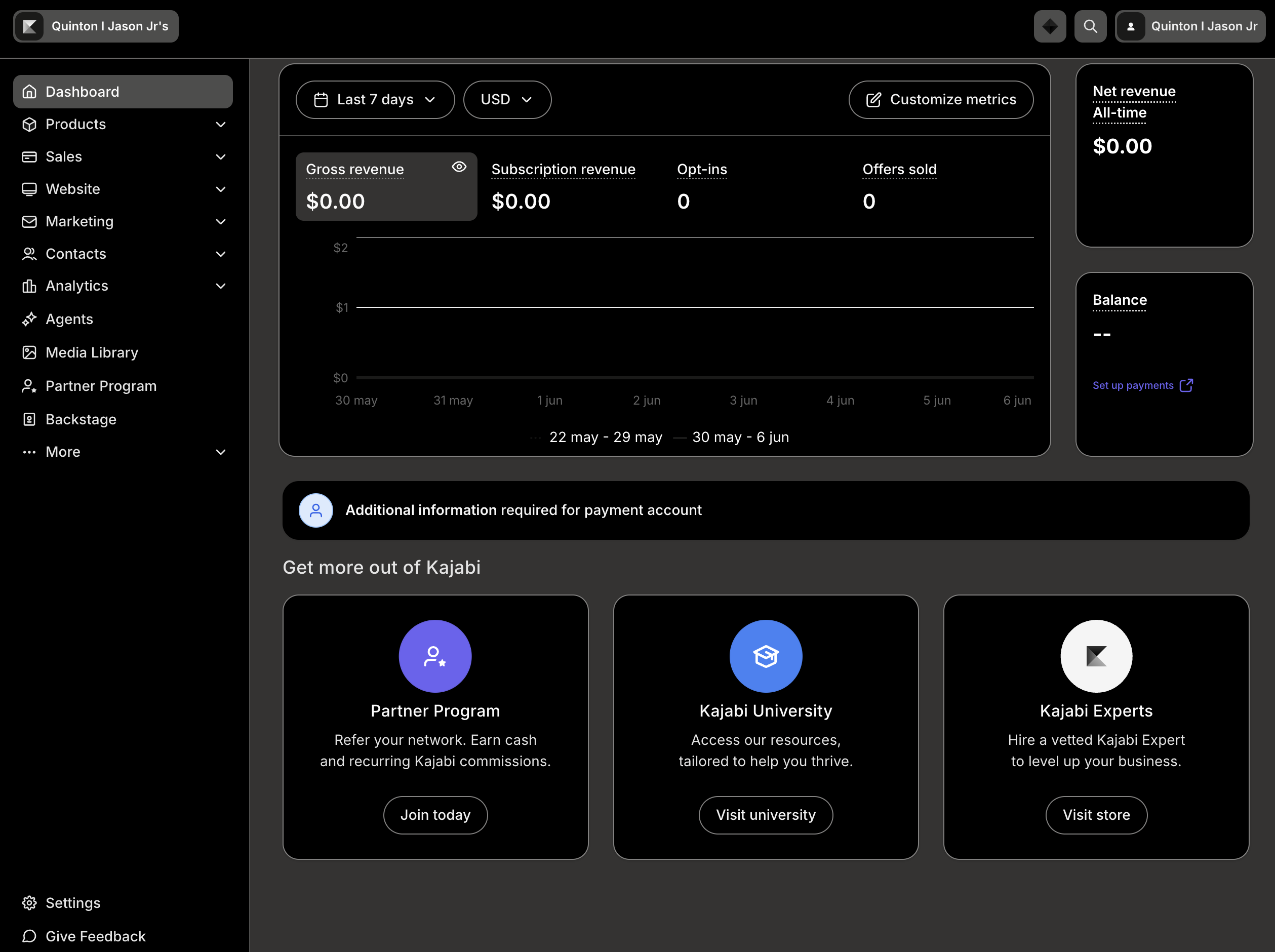
A theming architecture project that helped dark mode scale across Kajabi Admin, including Rails views, React applications, Pine components, Sage legacy surfaces, TinyMCE iframes, semantic tokens, feature flags, and persistent user preferences.
These are not separate case studies. They are the capabilities that show up across Pine, Pine MCP, Kajabi Admin Dark Mode, Learn, and my writing.
System infrastructureFrontend Architecture
Design tokens and theming
Defined and operationalized semantic tokens for color, typography, spacing, and motion so design decisions could travel cleanly from Figma into production code. The goal is fewer one-off choices, clearer system contracts, and less design-to-code drift.
Established accessibility and semantic standards at the system level so new product work starts from a stronger baseline. This includes accessible patterns, HTML semantics, WCAG-minded defaults, and guidance for engineers and designers using the system.
Improved component ergonomics, documentation, handoff workflows, and contribution paths so design system work is easier to trust and use. The focus is not just documenting the system, but making it adoptable inside busy product teams.